

Last night I accidentally signed out of an Apple ID on my MacBook.
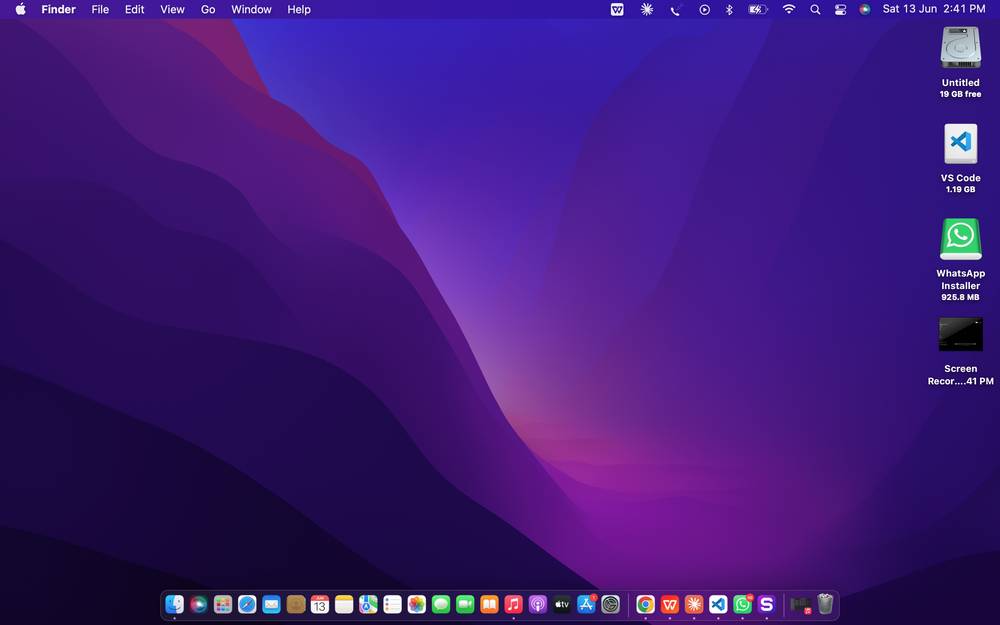
In seconds, my Desktop vanished. My projects — gone. VSCode — gone. Everything I'd been building for the past weeks, disappeared into thin air.
For a solo developer with no team, no backup system, and a live product to maintain — that's a nightmare scenario.
Here's what actually happened.
My Mac was configured to sync Desktop and Documents to iCloud Drive. I didn't set this up intentionally — it's a default macOS setting most people never notice. The moment I signed out of the Apple ID, iCloud unmounted and took everything with it.
Worse — I'd been burning through my mobile data bundle for months without knowing why. Turns out iCloud was silently uploading every file I saved, every code change, every VSCode extension in the background. On mobile data in Ghana, that's not a minor inconvenience. That's real money.
How I recovered:
Step 1 — Stop the bleeding
I cancelled the iCloud re-download immediately. 900MB over mobile data was not happening.
Step 2 — Kill iCloud sync permanently
System Settings → Apple ID → iCloud → iCloud Drive → Options
→ Uncheck "Desktop & Documents Folders"
Step 3 — Move projects to a safe location
bash
mkdir ~/Projects
mv ~/Desktop/edutrack ~/Projects/edutrack
mv ~/Desktop/sas ~/Projects/sas
A folder outside iCloud that exists regardless of what Apple ID is signed in or whether iCloud is active.
Step 4 — Clone everything from GitHub
bash
cd ~/Projects
git clone https://github.com/yourusername/edutrack
git clone https://github.com/yourusername/sas
Total downtime: under an hour.
Step 5 — Reinstall dependencies
bash
cd edutrack
python3.12 -m venv venv
source venv/bin/activate
pip install -r requirements.txt -i https://mirrors.aliyun.com/pypi/simple/
That last flag is specific to my situation — PyPI is blocked on my network in Ghana, so I use Alibaba's mirror. A problem worth its own post.
The real lesson wasn't about iCloud though.
It was about GitHub. Every project I had committed and pushed was recoverable in seconds. The only thing I actually lost was uncommitted work from that day's session.
bash
git add .
git commit -m "wip: dashboard summary view"
git push
That's it. That one habit — committing and pushing before closing your laptop — is the difference between a minor inconvenience and a catastrophic loss.
There's no commit message too small. wip, progress, end of day — all valid. The commit exists, that's what matters.
If you're a developer storing projects in iCloud, Dropbox, or any sync folder — move them out today.
Cloud sync is not version control. It doesn't track history. It doesn't protect you from signing out of an account. It just copies files around silently while eating your data bundle.
GitHub is your source of truth. Everything else is convenience.
And if you haven't committed today — close this tab and go do it now.
Loading thoughts...